Almasons GiNi® eSign
Sign With Ease,
Proceed With Assurance.
Sign, manage and track document approvals with Almasons GiNi® eSign, a secure electronic signature solution seamlessly integrated across the GiNi platform.
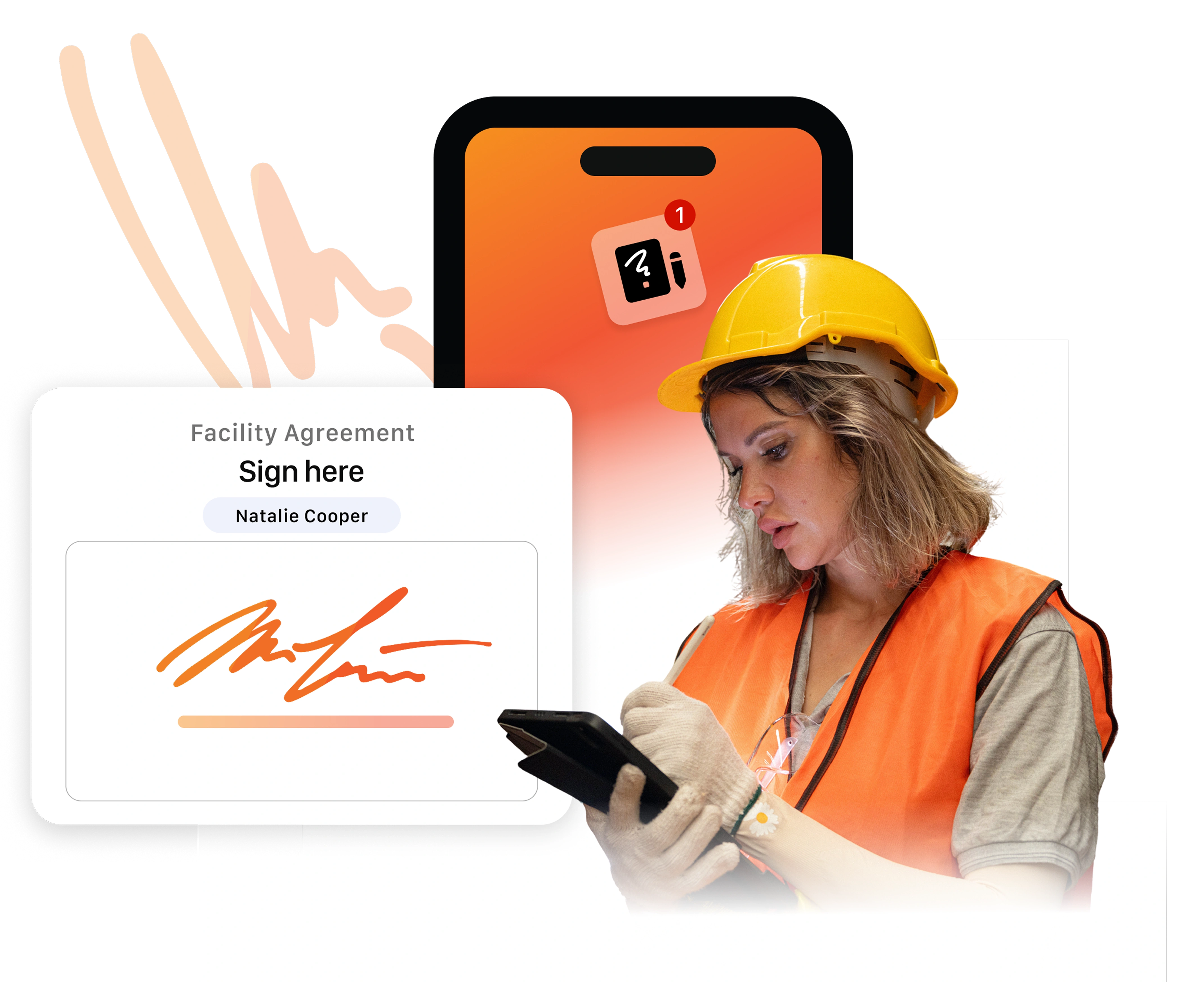

Before adopting Almasons' eSign solution, we spent 20 to 30 minutes per truckload. Now, with Almasons eSign, it's less than a minute. The ROI is incredible—we've implemented it in 10 warehouses!

Gary Taylor
Bunge Warehouse Manager, Fort Worth
Key Features
Why Choose
Almasons GiNi® eSign?
Almasons GiNi® eSign is a versatile and efficient digital signature solution designed
to simplify document signing and streamline approval workflows across industries.
Sign Anytime, Anywhere
Enable secure digital signing from any device. Users can review and approve documents instantly from their phone, tablet, or computer, keeping approvals fast and flexible.
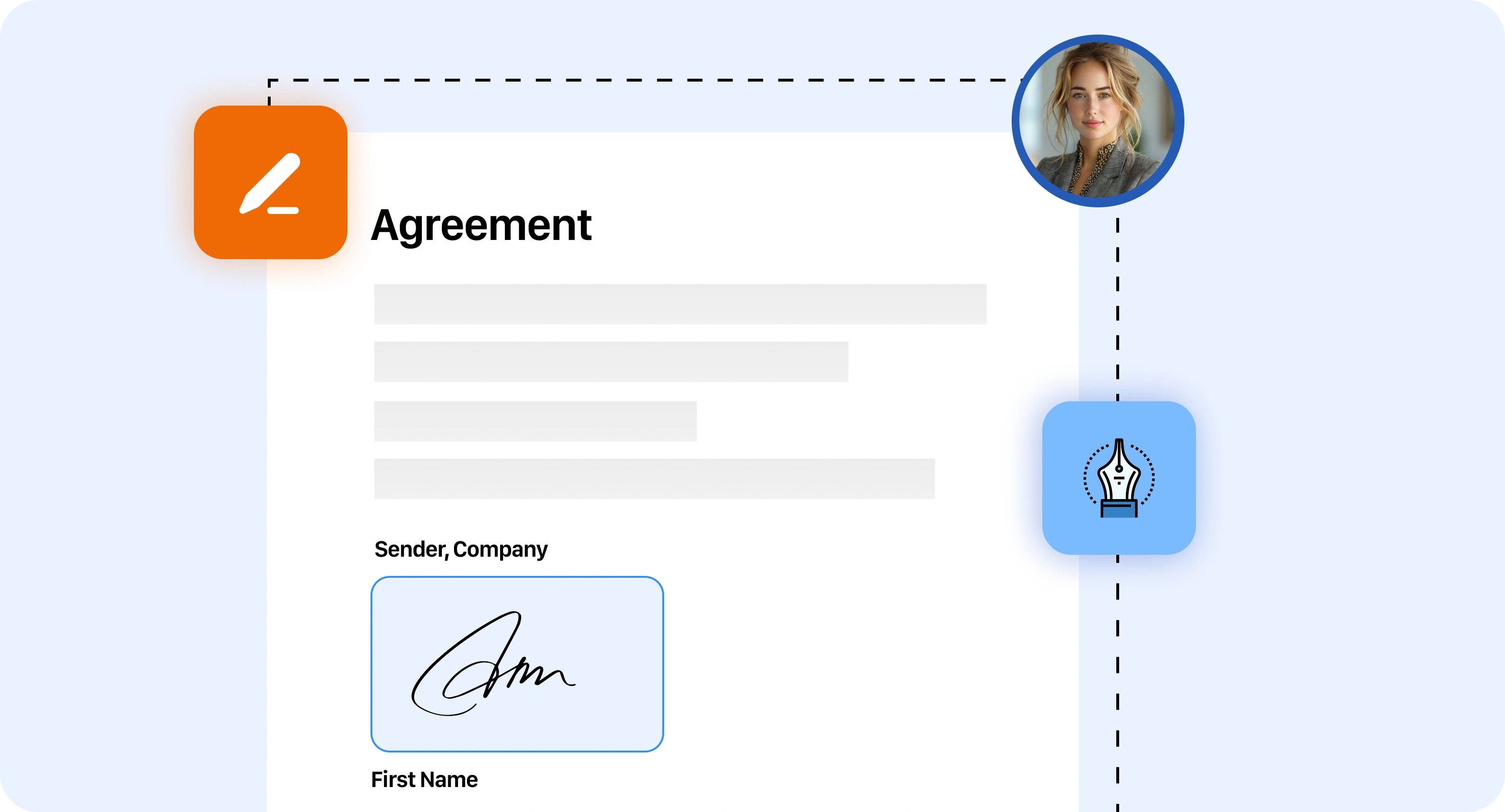
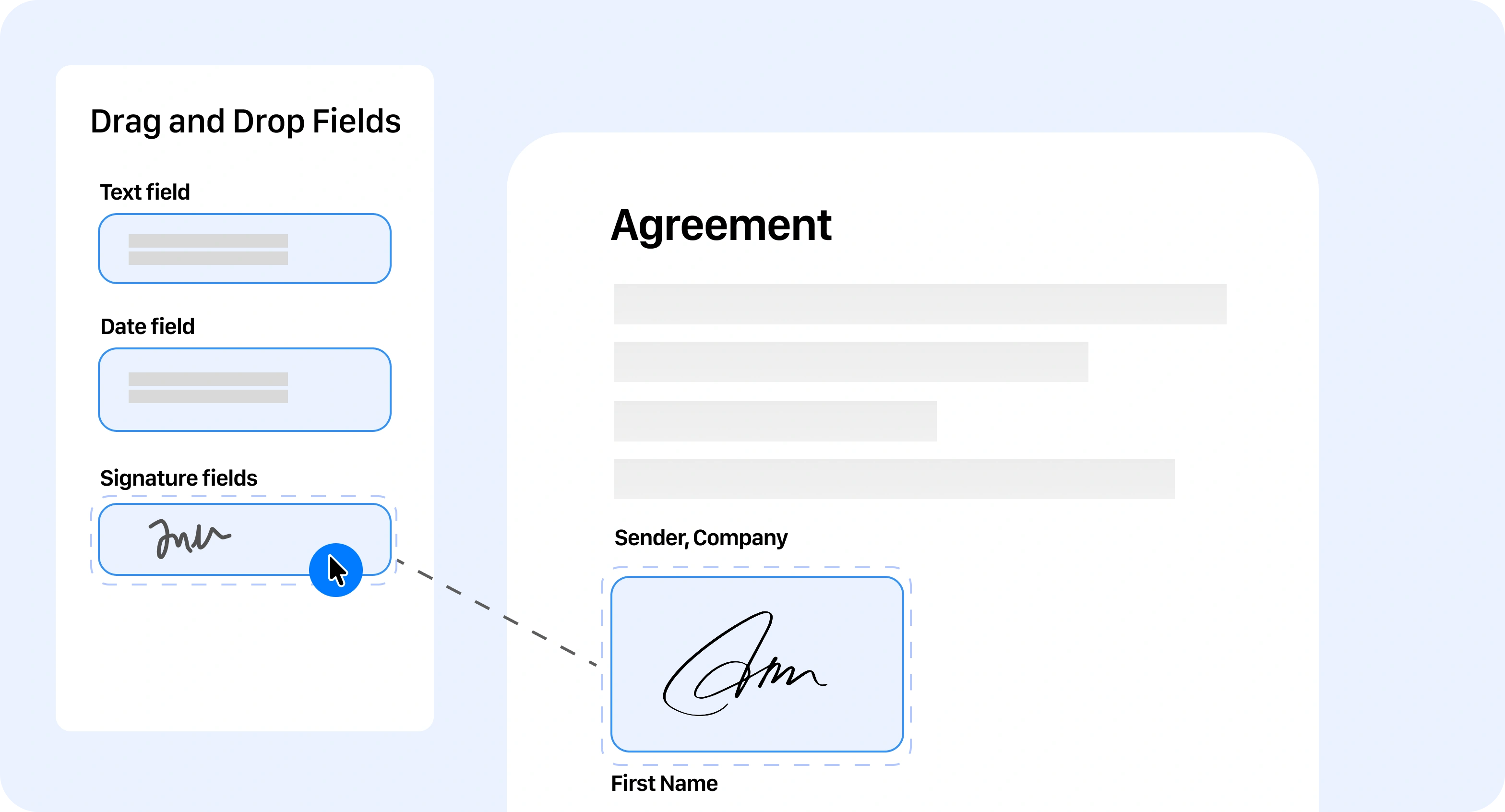
Drag-and-Drop Signature Placement
Easily place signature fields, date stamps, and text boxes using intuitive drag-and-drop controls, allowing documents to be prepared for signing quickly and efficiently.
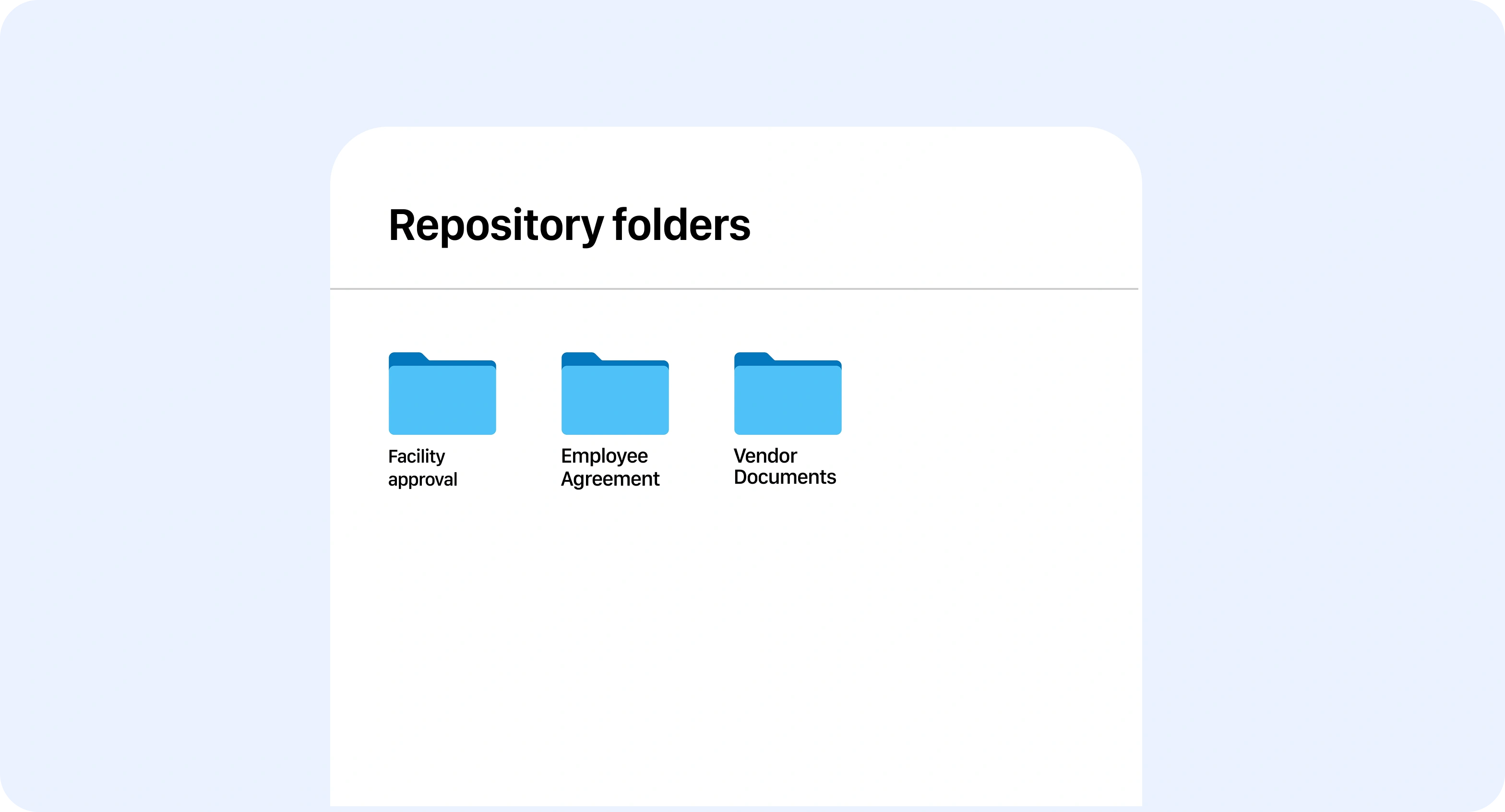
Centralized Document Management
Access, organize, and manage all signed documents in one secure digital repository for easy retrieval, storage and compliance.
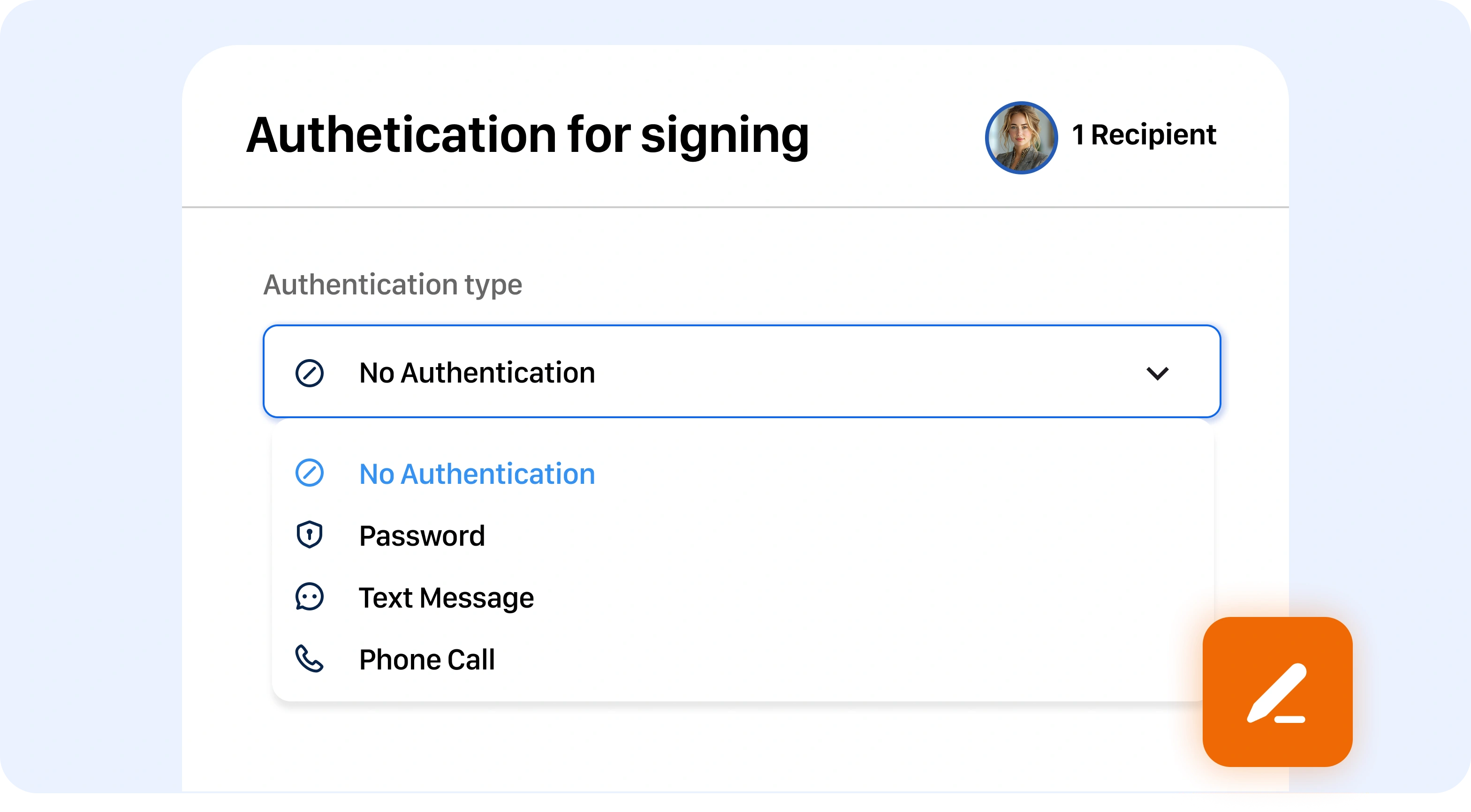
Secure Signature Verification
Every signature is authenticated using PIN-based verification and multi-layer security to verify the signer’s identity and maintain document authenticity.
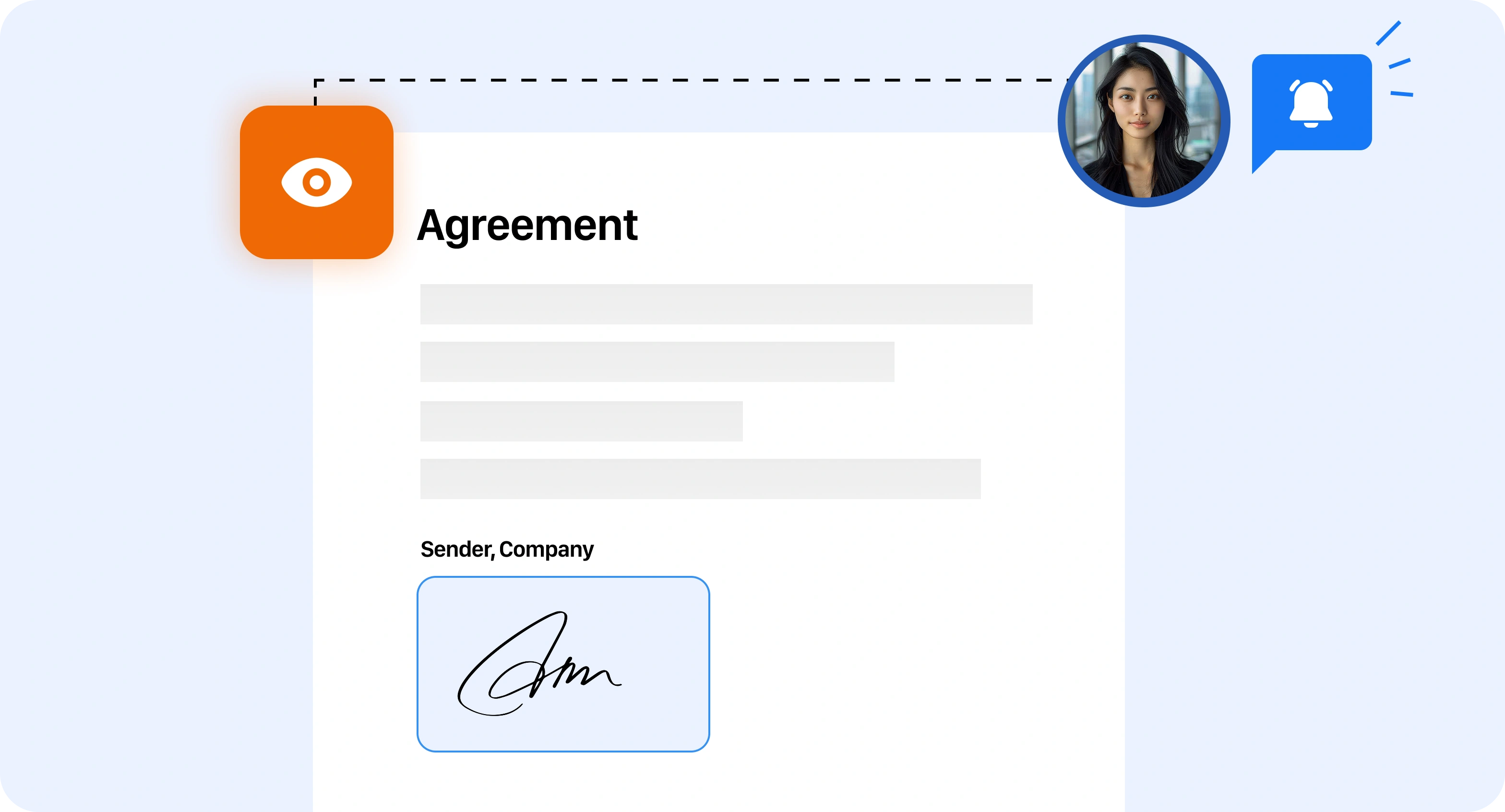
Real-Time Document Visibility
Track document activity in real-time and stay informed with updates showing when documents are sent, viewed, and completed.
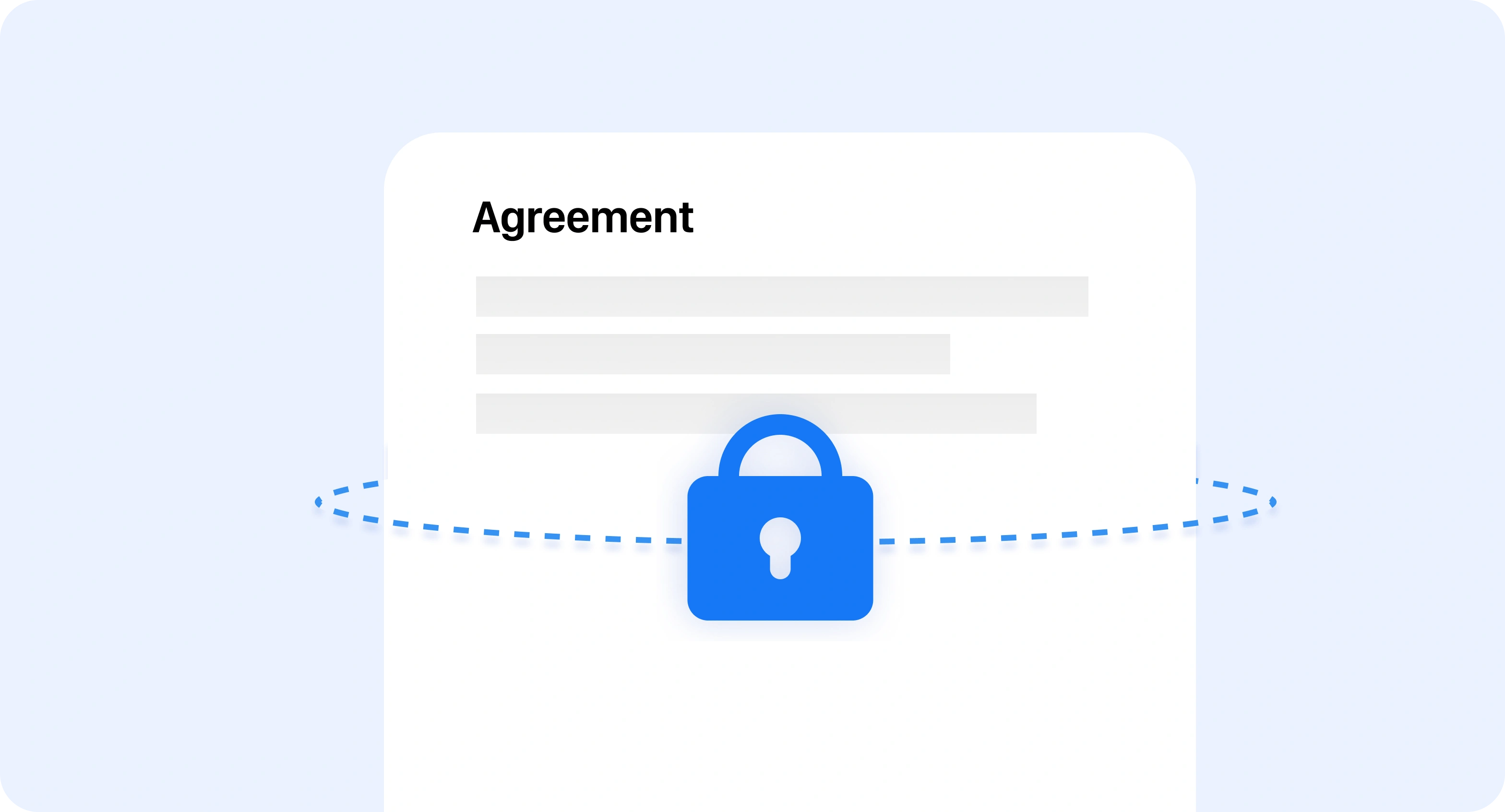
Tamper-Proof Documents
Once a document is signed, it is automatically locked to prevent edits or unauthorized changes, preserving the integrity of the signed agreement.
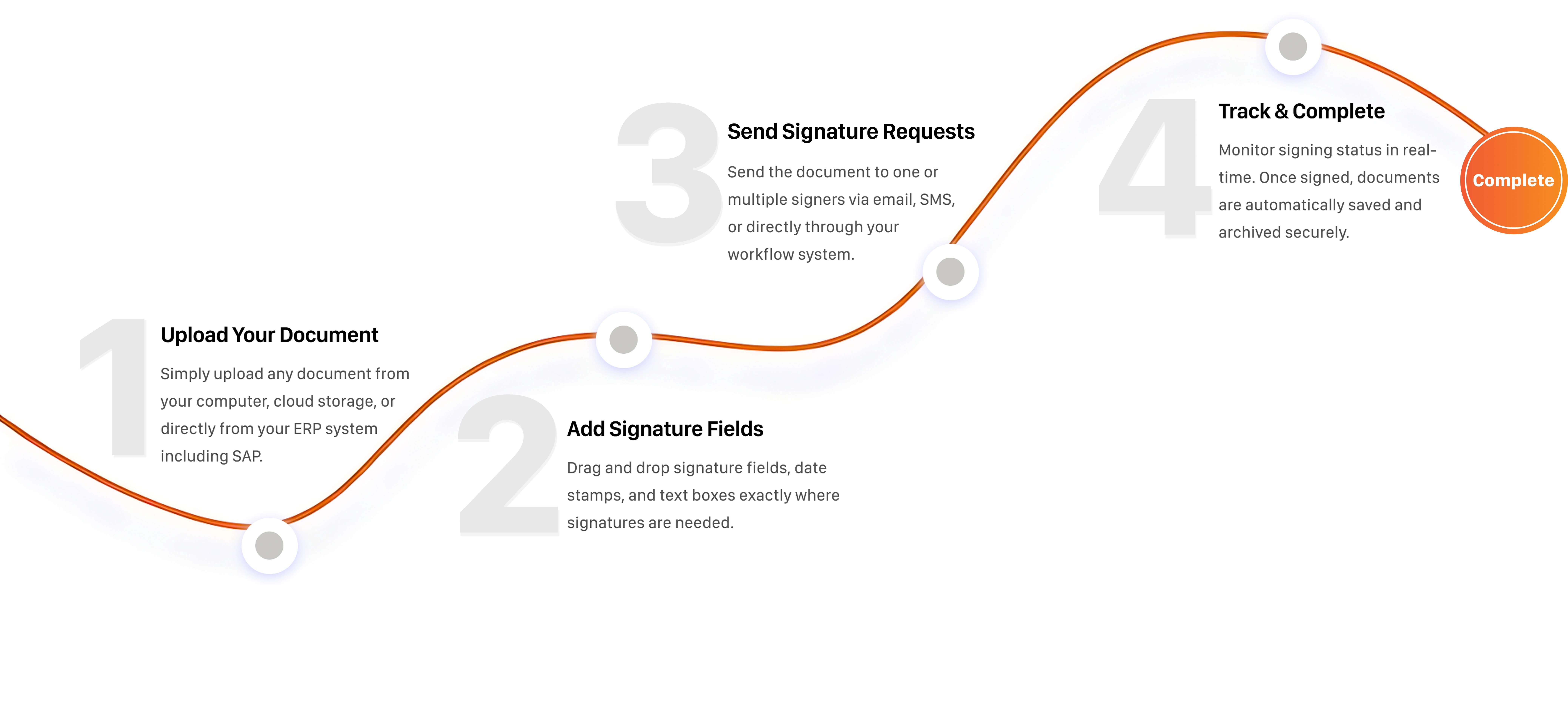
Simple 4-Step Process
How GiNi eSign Works
Get documents signed effortlessly with GiNi eSign through a
simple and secure digital signing process.
Flexible Signing Options
Signing Made Effortless with
GiNi eSign
Choose the method that suits you best and complete document approvals
seamlessly from any device.

Text-Based Signature
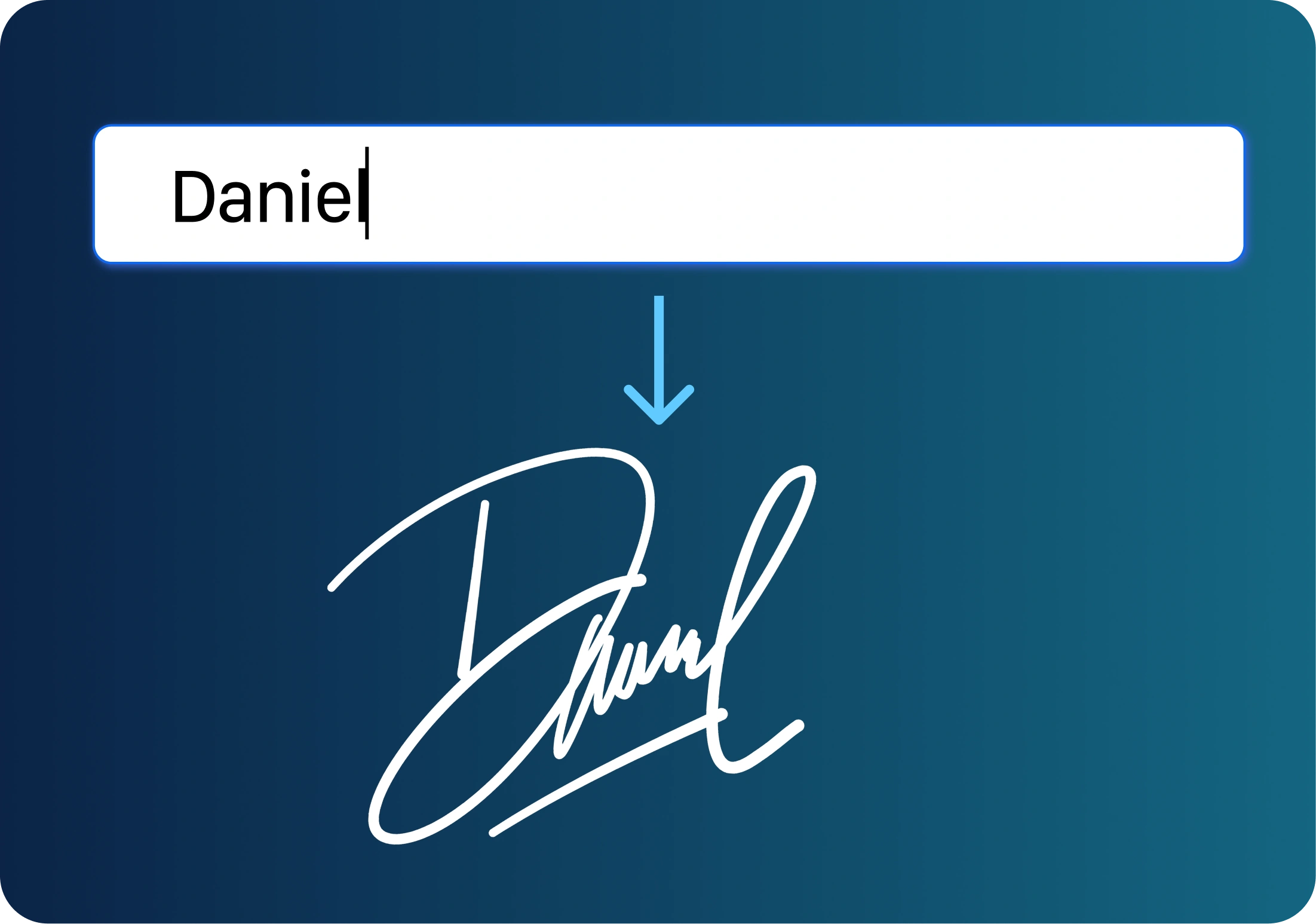
Type your name and turn it into a ready-to-use digital signature in seconds, making signing documents quick and easy.
Hand-Drawn Signature
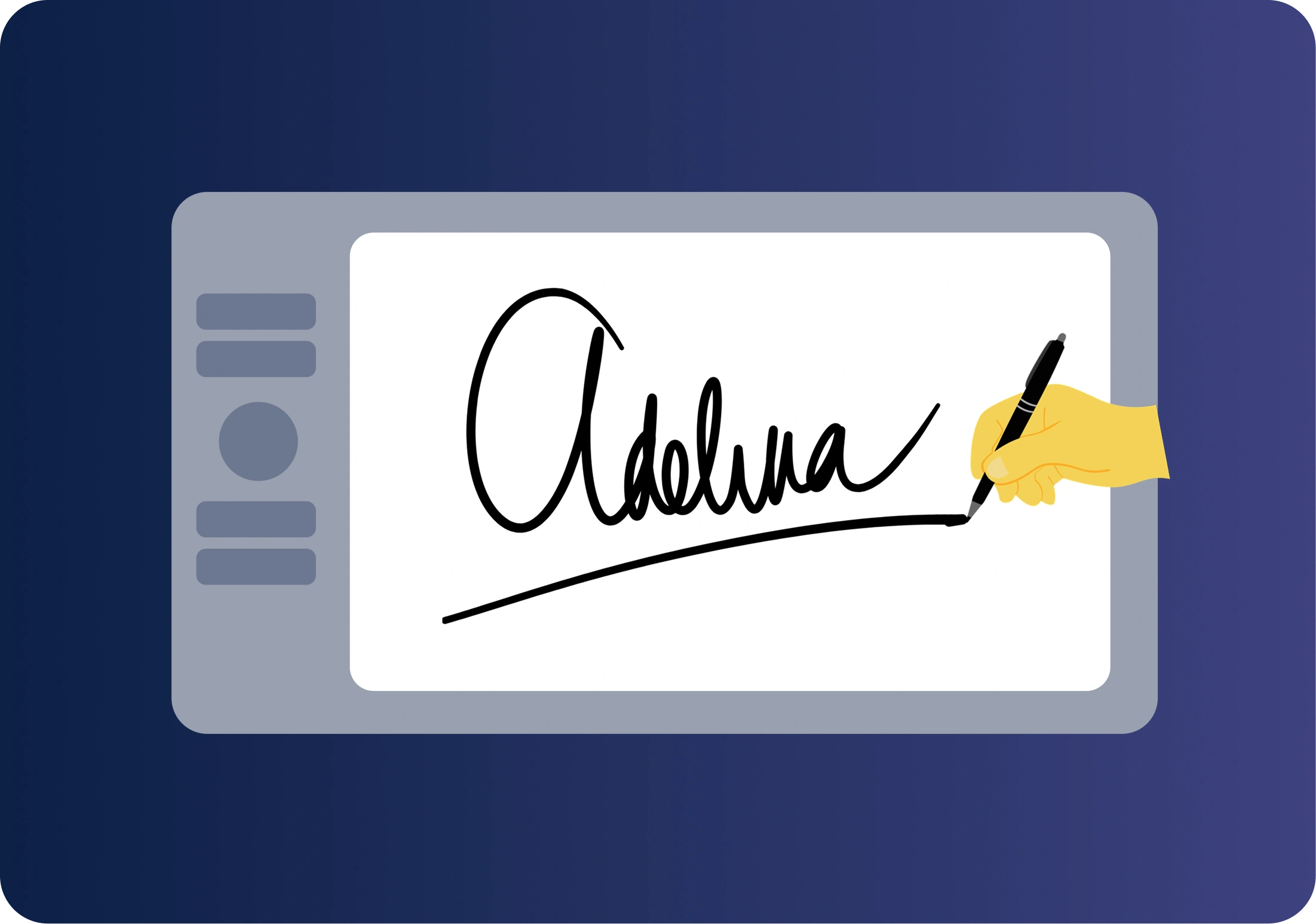
Draw your signature directly on your device to give each document a personal and authentic feel, just like signing on paper.

Image Upload Signature
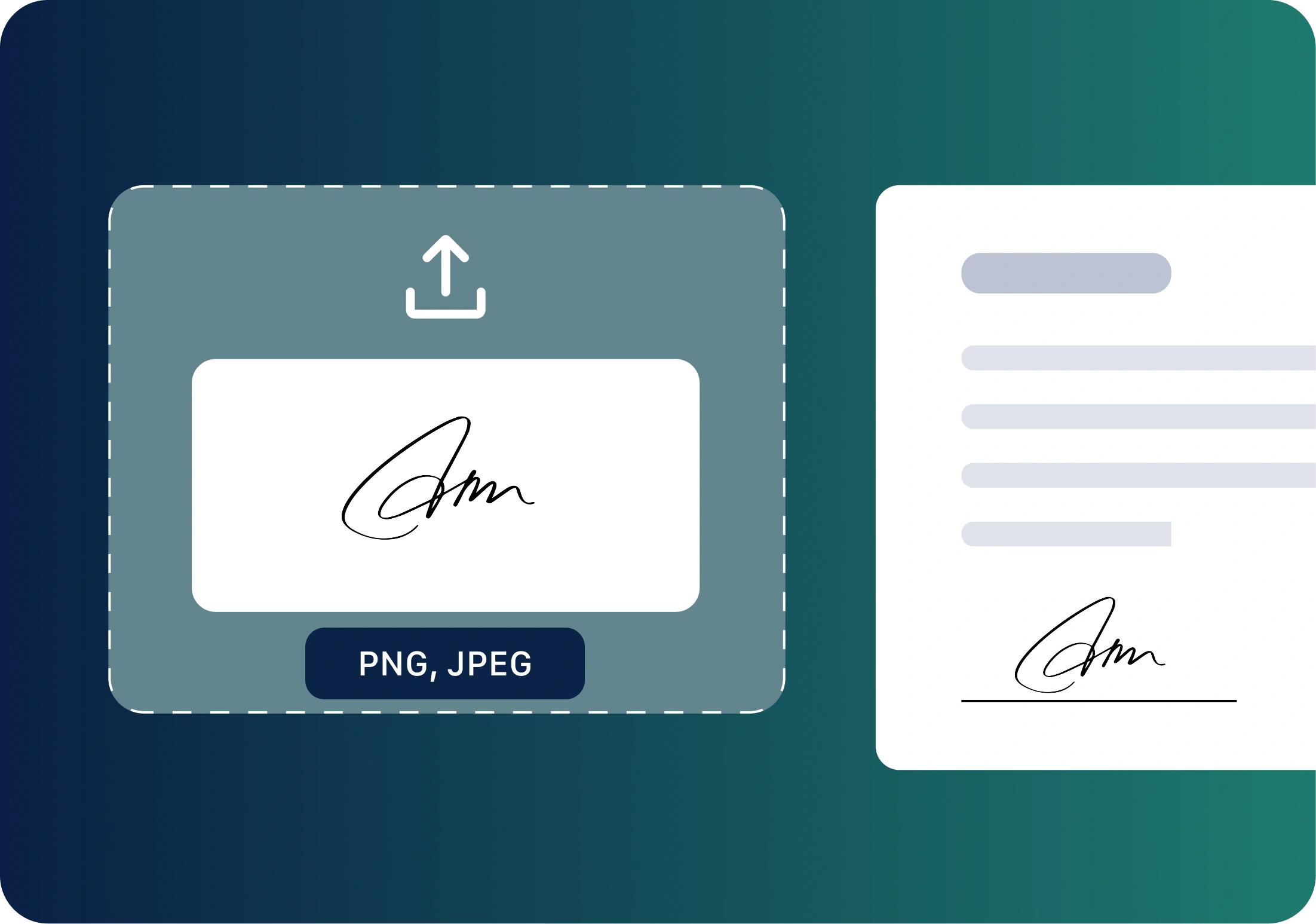
Upload your signature image to your document and place it exactly where needed for a consistent, neat, and professional look.
Maximum Reach & Convenience
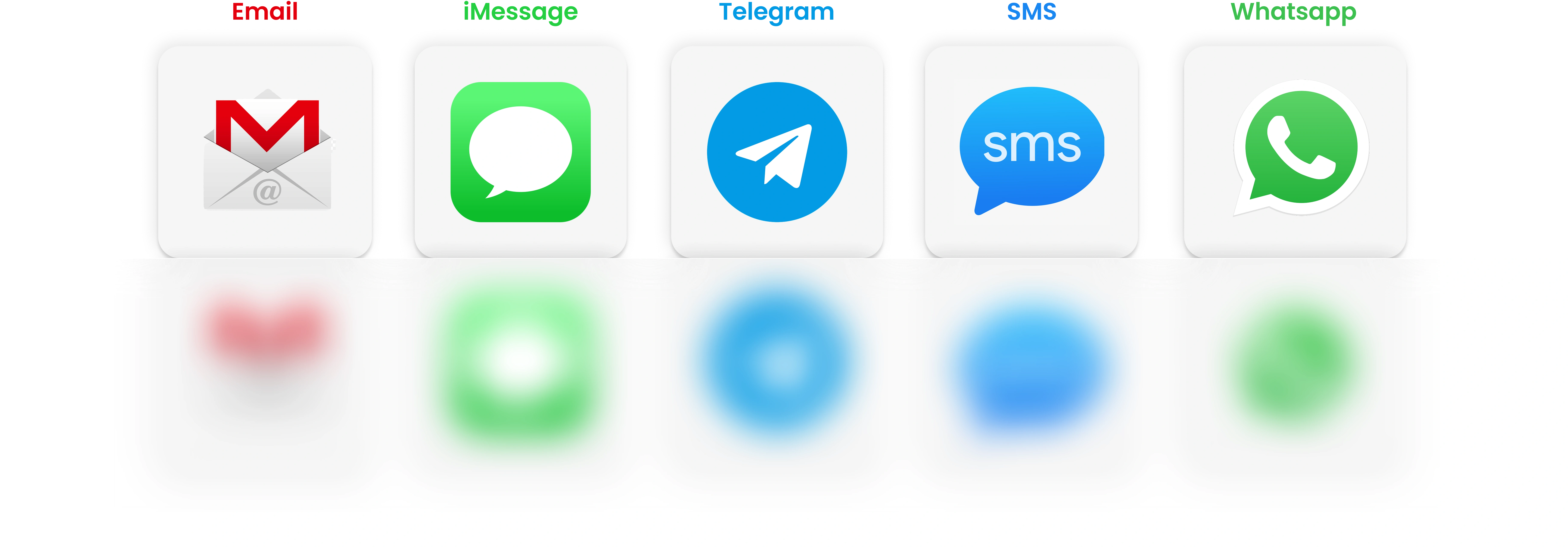
Send Signature
Requests Your Way
Choose the easiest way to send documents for signing with
Almasons GiNi® eSign and have signatures collected effortlessly.
Want to Learn More
about GiNi eSign ?
Click below to explore our resources and download the GiNi eSign brochure to learn more about its key features, capabilities, and digital signing workflow.
Download Brochure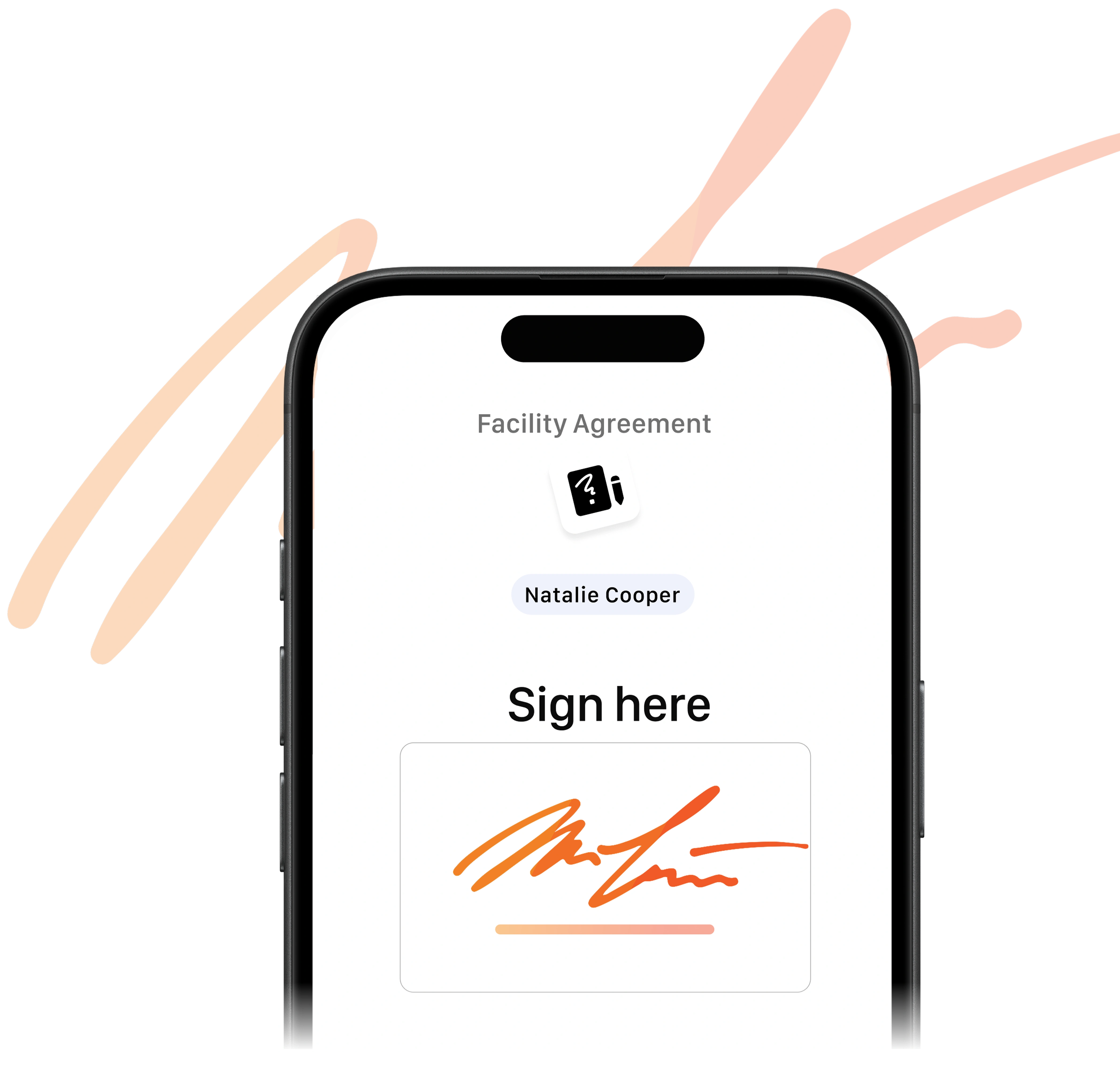
Common Questions About GiNi eSign
Frequently Asked Questions

Leave your message
Get in touch to get started
Drive higher throughput, accuracy, and safety with Almasons. Give us 30 minutes and we will explain how to achieve up to 30% improvements in as little as 30 days
